What Is MemoMind and Its First Product? Everything You Need to Know
Last updated: August 31, 2026
The AI glasses category is still figuring itself out. Some products want to be a camera on your face. Others are basically Bluetooth speakers you wear on your ears. MemoMind One took a third approach — put a private display in front of your eyes, skip the camera entirely, and build everything around helping you get through the day with less friction.
If you've been wondering what MemoMind One actually is, how it differs from everything else out there, and whether it's worth your attention, this article covers it.
What Is MemoMind?
MemoMind is an AI smart glasses brand incubated by XGIMI, a company with years of experience in display technology and optical systems.
The idea behind MemoMind is simple: AI should reduce cognitive load, not add to it. Instead of building glasses that encourage you to look at more screens more often, MemoMind wants information to show up exactly when you need it and get out of the way when you don't.
What Is MemoMind One?
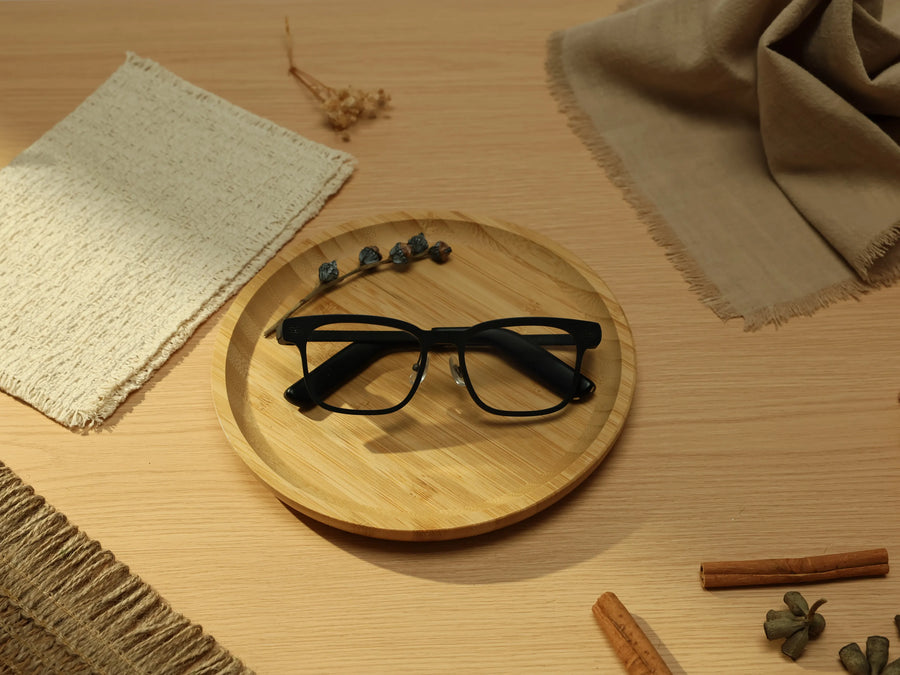
MemoMind One is the first smart glasses product from MemoMind, combining a built-in display, AI-powered assistance, and a camera-free design to create a more practical everyday wearable.
A Real Display — Not Just Audio
One of the defining features of MemoMind One is its Dual Micro-LED display system that projects information into both eyes. It's green monochrome — a deliberate choice for readability over flashiness — and the optics angle downward so people next to you can't see what's on your screen.
If you want the full technical breakdown on resolution, brightness, and why those specs were chosen the way they were, we've got a deep dive on the display tech here.
No Camera — By Design
This is the one people notice first. MemoMind One has no camera. Not "we might add one later" — it's intentionally left out.
The reasoning is threefold.
-
Privacy: a camera on your face makes people around you uncomfortable, full stop.
-
Social friction: walking into a meeting or classroom wearing a camera changes how people interact with you.
-
Product focus: MemoMind isn't trying to help you record the world — it's trying to help you manage information. A camera doesn't serve that goal.
If privacy is a deciding factor for you, it's worth reading our full guide on privacy. Camera-free is only half the story.
Built to Be Worn All Day
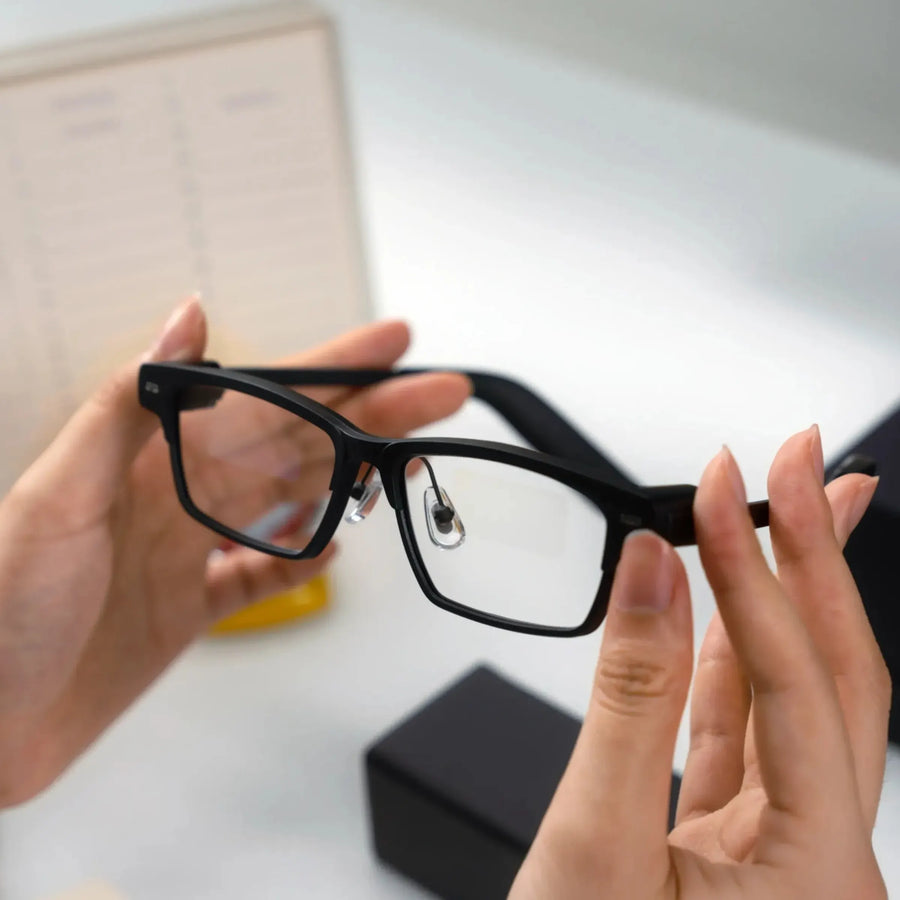
Smart glasses only matter if you actually keep them on. MemoMind One uses a beta-titanium frame and weighs roughly 47 grams — close to a regular pair of optical glasses. It supports prescription lenses, so if you already wear glasses every day, you can swap your everyday pair for these rather than carrying a second device.
Battery-wise, it's rated for up to 16 hours of mixed use and three days on standby. We ran a real-world battery test with translation, navigation, calls, and background memory all running — the results are here.
Eight AI Features — All Included, No Subscription
MemoMind One ships with eight AI features built in, and they're all free with the hardware — no subscription, no transcript caps. Here's a quick rundown, with links to deeper dives where we have them.
|
Feature
|
What it does
|
|---|---|
|
Memo AI
|
A hands-free voice assistant for questions, context-aware help, and navigation. Just say "Hi Memo" .
|
|
AI Translator
|
Real-time translation across 26+ languages, with a passive listen-in mode and an active dialog mode for back-and-forth conversations.
|
|
AI Recorder
|
Record meetings and conversations, then get AI-generated summaries and action items. You stop choosing between listening and taking notes.
|
|
Teleprompter
|
Your script scrolls at your speaking pace — not a fixed speed — so pauses and off-script moments don't break your place.
|
|
Idea Notes
|
Capture thoughts by voice, and AI organizes them into searchable text. Ideas don't wait for you to open an app.
|
|
Live Captions
|
Real-time subtitles projected into your field of view — helpful in loud spaces, for accessibility, or when you just want to read what's being said.
|
|
Calendar
|
Glance at your schedule, meeting reminders, and to-dos without pulling out your phone.
|
|
Navigation
|
Turn-by-turn directions in your line of sight for walking and cycling. No more staring down at a map mid-crosswalk.
|
There's also an optional Memo+ subscription for users who want more advanced memory features — things like an automatic daily journal (Moments), proactive task reminders (Up Next), and long-term memory search across past conversations (Memo+). The eight core features above don't require it. Here's why the memory layer matters, if you're curious.
What's in the MemoMind Box
Every MemoMind One ships with the essentials you need to start using it right away:
-
MemoMind One glasses — your chosen frame style and color
-
Charging cable — for topping up the battery
-
Protective case — keeps the glasses safe when you're not wearing them, and doubles as storage for small accessories
-
A pair of nose pads and a cleaning cloth — to help you get the most out of your own glasses
-
MemoMind One quick start guide — printed setup instructions in nine languages ( Chinese, English, German, French, Spanish, Portuguese, Italian, Japanese, Korean), so you can get going without hunting for a digital manual

Frames, Colors & Accessories
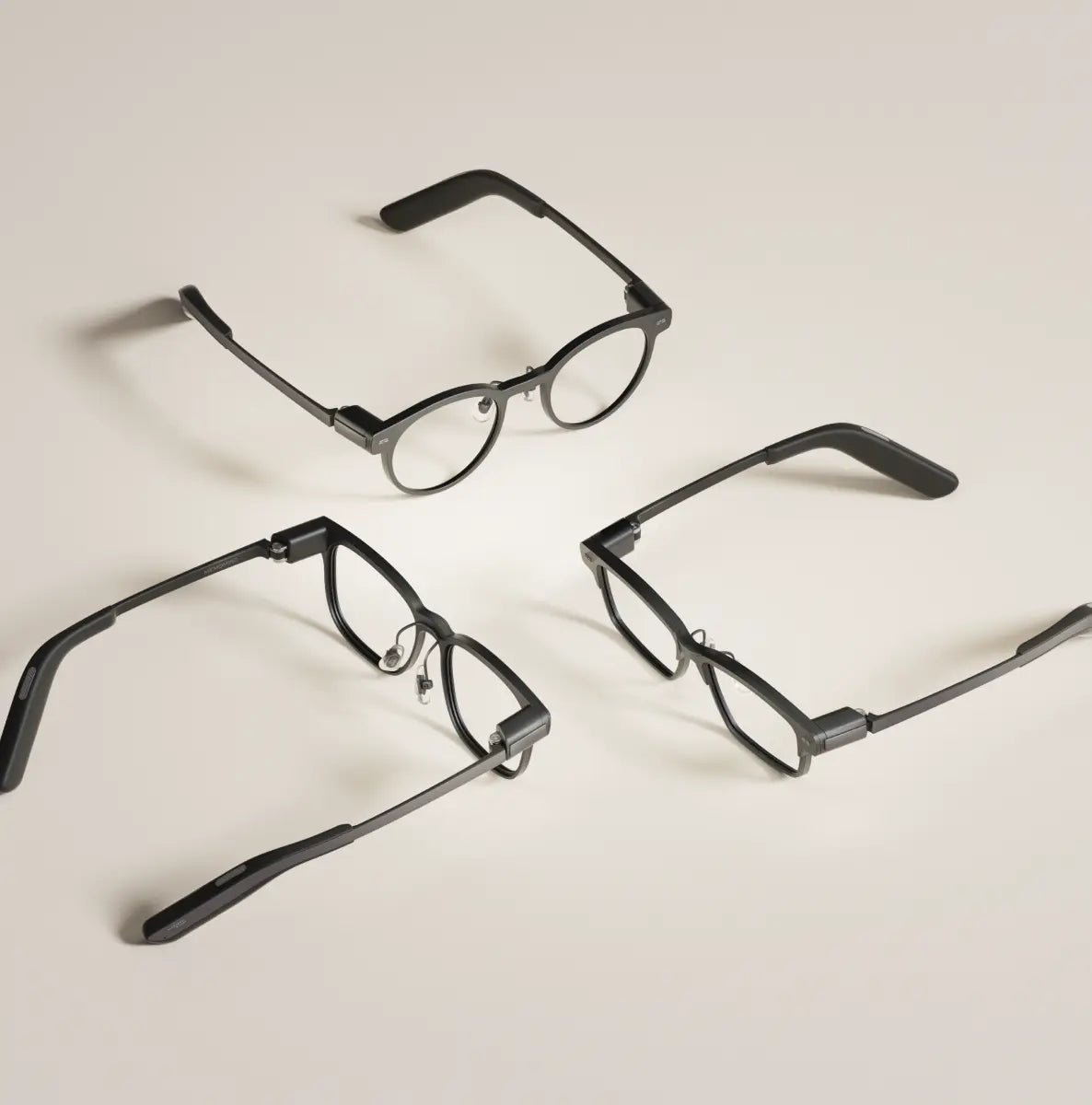
MemoMind One comes in two frame silhouettes. Archive is a rounded, retro-inspired shape available in six colors — Amber, Espresso, Midnight, Veil, Lunar, and Forest. Nomad is a more rectangular, business-friendly frame currently offered in Tortoise.
On top of that, there are five interchangeable temple designs, so you can mix and match frame and temple styles depending on the occasion. If you wear prescription glasses, you can get MemoMind One with custom lenses — our prescription guide walks through what's supported and how to choose.
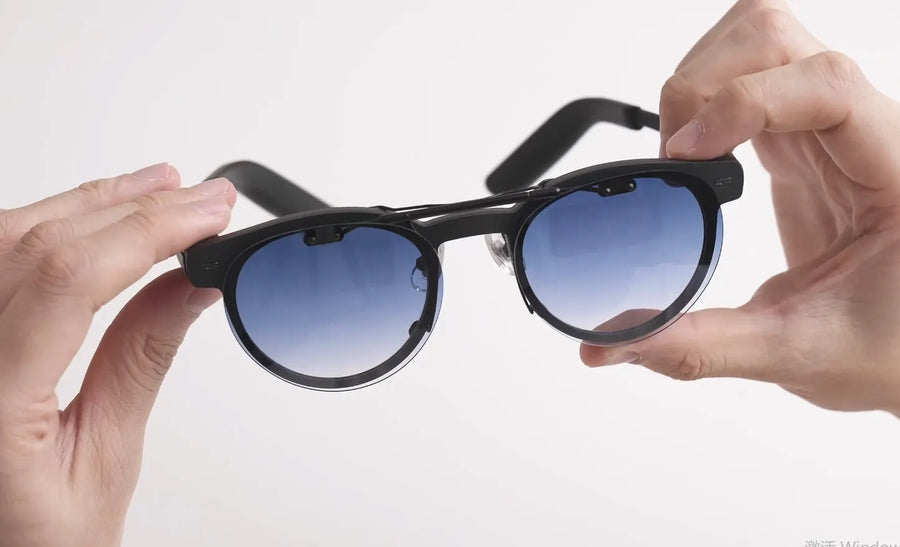
The clip-on sunglasses deserve a quick mention too. They attach with a claw-hook mechanism that grips the top and bottom of the frame — no magnets, no tools, and it takes a few seconds once you've done it once. Flip them down when you step outside, flip them up or stow them in the case when you head back in. They're built for everyday sun glare, not for looking directly at the sun or industrial eye protection, so keep that in mind.
Explore The Hidden Games
It wouldn't be a tech product without at least one Easter egg. Buried in the Quick Launch settings — at the very bottom of the feature list, past System Settings — is a mini-game group with two titles: Tetris and Brick Breaker.
You assign one to a head gesture (left turn, center, or right turn), adjust the head-movement sensitivity to your liking, and then play entirely by moving your head. It's silly, it's not why anyone buys these glasses, and it's exactly the kind of thing that makes the product feel like it was built by humans who have a sense of humor.
Who It's For (and Who It Isn't)
MemoMind One is a good fit if you:
-
Sit through a lot of meetings, lectures, or interviews and want better notes
-
Work in multilingual environments or travel abroad regularly
-
Want hands-free access to information without reaching for your phone constantly
-
Care about privacy and don't want to wear a camera into meetings or public spaces
-
Already wear prescription glasses and want one pair that does it all
It's probably not the right pick if your main goal is taking photos or videos, or if you're looking for a full-color AR experience with spatial computing. MemoMind One is a productivity and information tool first — that's the bet it's making, and it's a focused one.
If you're comparing it against other options, our AI glasses comparison guide breaks down MemoMind One, Meta Ray-Ban Display, and Ray-Ban Meta Blayzer side by side. We've also done head-to-heads with Meta Display, Even Realities G2, and RayNeo X3 Pro.
Still curious? Check our FAQs
Related Blogs
More MemoMind stories from the same category.