


Skip to content
Products Support Exclusive Discounts Hot

Shopping cart

Your cart is empty

Continue shopping

You may also like

MemoMind One Sunglasses Clip-on
Sunglasses Clip-On Sale price $69.00 Regular price $99.00

What are you looking for?

Search products, blog articles, FAQs, and support resources.

Welcome to MemoMind Customer Service Support.

Let's get this conversation started. Please fill in the following information and we'll get in touch with you within 24 hours.

Affordable Smart Glasses Under $500: Models, Prices and Features

Affordable Smart Glasses Under $500: Models, Prices and Features
A pair of smart glasses for $150 and a pair for $450 might look similar in a product photo. Put them on, though, and they can be doing completely different things.
The good news is that you don't need to spend $800 or more to get a useful pair. There are already several interesting options below $500, depending on whether you want a camera, audio, an information display, or a much larger virtual screen.

Note: All prices listed in this article are in USD and reflect the prices available at the time of the article's publication. Actual prices may vary by retailer, promotions, product configuration, and region.

Camera AI Glasses: Capturing Moments and Hands-Free Assistance

Camera AI glasses combine a camera, microphones, speakers, and a voice assistant in a familiar eyewear frame. They let you take photos, record short videos, answer calls, listen to music, and access AI features without constantly reaching for your phone.
Some options:
Model Starting price Why consider it
Meta Glasses (Adventurer) $249 Camera and Meta AI, and hands-free audio in a non-Ray-Ban frame
Ray-Ban Meta Gen 2 $379 Established everyday camera and audio experience
Oakley Meta HSTN $399 Sportier styling and water resistance

What should you choose?

For everyday photos, videos, calls, and social sharing, Ray-Ban Meta is the familiar starting point. Meta's own eyewear line offers a lower entry price, while Ray-Ban Meta remains a familiar option for everyday photos, videos, and social sharing.
Before choosing between them, look at frame fit, recording time, battery performance, water resistance, and which AI features are available in your country. There's also a practical limitation: these glasses have outward-facing cameras. Some workplaces, classrooms, meeting rooms, hospitals, and private venues may restrict or explicitly prohibit camera-equipped glasses. Check the rules of places you visit regularly before buying.

Audio Glasses: When You Mainly Want Music and Calls

If you mainly want to listen to music, answer calls, or hear a voice assistant while walking and exercising, audio glasses may be all you need. Small speakers built into the temples direct sound toward your ears without covering them like traditional headphones. The main trade-off is sound leakage: people nearby may hear some of your audio, particularly in quiet spaces. Open-ear speakers also don't provide the isolation of headphones.
A few options:
Model Starting price Main appeal
Lucyd AERO $149 Affordable Bluetooth audio eyewear
Ray-Ban Meta Audio $379 Camera-free audio and voice interaction

Who should buy audio glasses?

If you mostly want something to listen to while you walk or work out, audio glasses are a good fit. Earbuds are often the more practical choice, though: they usually cost less, block more outside noise, and are a habit most people have kept for years.
But if you want to read information, follow prompts, or see translations without looking at your phone, while also having the option to listen to audio, you'll need something more.

Display AI Glasses: Read Information Without Looking at Your Phone

Display AI glasses put short pieces of information in your field of view. That might mean checking a translation during a conversation, following a teleprompter while speaking, or viewing a reminder without pulling out your phone.
They're designed for glanceable information, not the large virtual screens used for watching films or playing games.
A few options:
Model Starting price Main appeal
MemoMind One $499 promotional (MSRP $599) Dual Micro-LED display, camera-free design, built-in audio and AI features
RayNeo iO $499 Camera-free AI display, live translation, and productivity features

What should you choose?

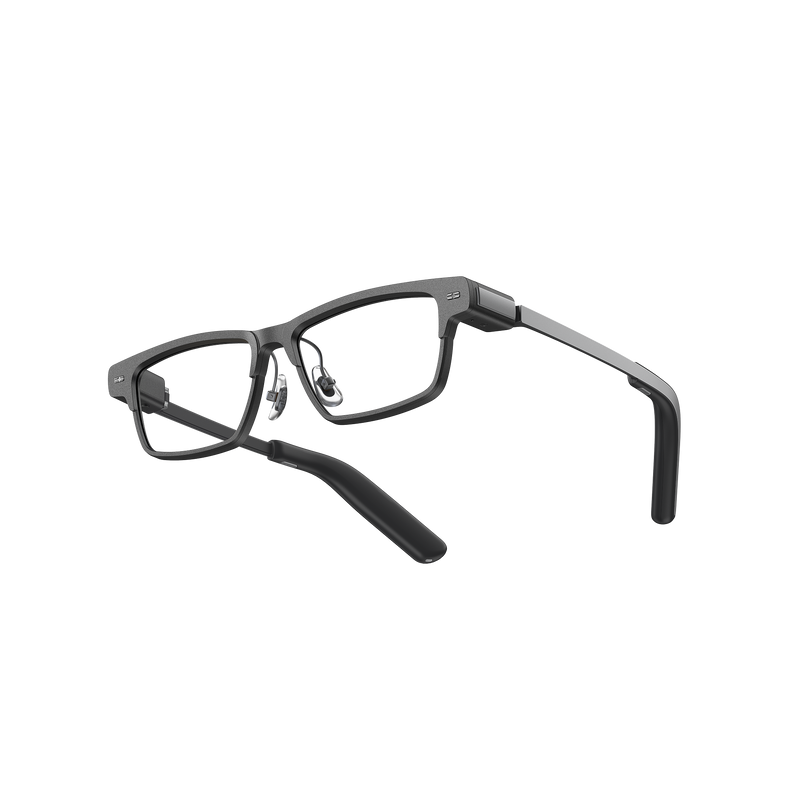
MemoMind One combines a dual-eye display with built-in audio and features such as captions, translation, and a teleprompter. Its camera-free design may also appeal to those who prefer smart glasses without an outward-facing camera.

RayNeo iO takes a different approach, with a monochrome MicroLED display and AI productivity features. When comparing the two, it's worth looking beyond display specifications at their audio capabilities and overall interaction experience.

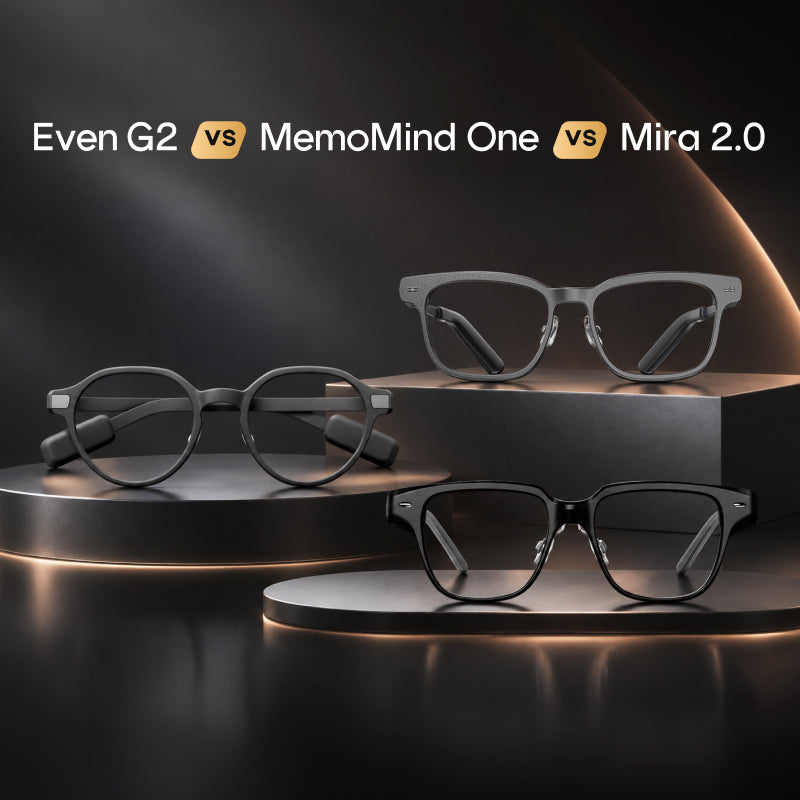
You may also come across other well-known display glasses, such as the Even G2 ($599) and MIRA 2.0. While these models are outside this guide's budget, they're worth considering if you're open to exploring higher-priced options. Our Even G2 vs MemoMind One vs MIRA 2.0 comparison takes a closer look at how these models differ. For a broader overview, see our guide to the best AI glasses with a display in 2026.

Screen Glasses: For Movies, Gaming, and a Portable Monitor

Screen glasses are for a different kind of use. Rather than displaying brief notifications or prompts, they create a large virtual screen in front of your eyes.
Connect them to a compatible phone, laptop, handheld console, or another video source, and you can watch films, play games, or use a portable display without carrying a physical monitor.
Some options under $500 include:
Model Starting price Main appeal
RayNeo Air 4 Pro $299 HDR10 entertainment display
XREAL 1S $449 1200P-class display and spatial viewing features
VITURE Luma Pro $499 More advanced XR display experience
These glasses make sense if you travel frequently, play games on a handheld console, or want a private screen for watching videos. Before ordering, check how they connect to your devices. Some setups may require an additional adapter, streaming device, or other accessory, adding to the final cost.
It's also important to check what the display can actually do. Some models support spatial screen positioning, while others simply keep the image in front of you. A large virtual screen doesn't automatically mean you get a full AR workspace. Our guide to AR Glasses vs. AI Glasses explains the difference.

So, Which Smart Glasses Should You Buy Under $500

  • For hands-free photos and videos, start with the Meta Adventurer or Ray-Ban Meta Gen 2.
  • For everyday sports and outdoor recording, the Oakley Meta HSTN offers a sportier design and IPX4 water resistance.
  • If you want music and calls without a camera, Ray-Ban Meta Audio covers both.
  • For captions, translation, and glanceable AI information, look at MemoMind One or RayNeo iO.
  • For movies, gaming, and a virtual monitor, the RayNeo Air 4 Pro has the lowest price, and the XREAL 1S adds a spatial screen.

The most common buying mistake is paying for features you won’t use. If you never record video, a camera adds cost for nothing. If you mainly watch movies, a small information display won’t replace screen glasses. If you want quick answers through the day, a large virtual screen is more than you need.

What Else Should You Check Before Ordering?

Once you've narrowed down the category, check a few practical details before placing your order.
  • Prescription compatibility. Check whether the glasses support prescription lenses and whether additional lens costs apply.
  • Comfort and frame fit. Compare frame dimensions, weight, nose support, and temple fit.
  • Battery life in real use. Check battery performance with the features you expect to use most often.
  • Phone and regional compatibility. Confirm support for your phone, operating system, and the features available in your region.
  • The complete cost. Include prescription lenses, accessories, shipping, taxes, and optional subscriptions or controllers in your budget.

Smart glasses have become more accessible, but the best purchase isn't necessarily the one with the longest feature list. It's the pair that fits naturally into what you already do.
Take a moment to decide what you want. Once you know that, finding a pair under $500 becomes a much easier decision.

Related Blogs

More stories from the MemoMind team.

Guide Nov 12, 2026

How to Choose Glasses That Suit Your Face: Virtual Try-On and Fit Tips

It's easy to spend time comparing battery life, weight, display brightness, and AI features when shopping for smart glasses. But the frame is something you'll see in the mirror ...

Comparisons Nov 05, 2026

MemoMind One vs MIRA 2.0: Are They Worthy Alternatives to Even G2?

For much of the past year, the Even G2 was the pair of camera-free display glasses to beat. Then MemoMind One arrived as a serious challenger. Just as a direct comparison was ta...

Guide Oct 29, 2026

Why Are Smart Glasses Being Banned? Where Rules Apply

Smart glasses aren't illegal to own, but courts, employers, schools, and some venues restrict their use. Some venues allow smart glasses as long as their cameras are switched of...