


How to Use a Virtual Glasses Try-On
Many smart glasses brands now offer a virtual try-on feature on their websites. It gives you a quick way to see how different frames look on your face, especially when you can't visit a store or try on several pairs in person.
For a more useful preview, a few small details for you:
- Find good lighting. Face a window or use soft, even lighting.
- Keep your face visible. Look straight at the camera and avoid letting your hair or hands cover the areas around your eyes and temples.
- Check more than one angle. Start with the front view, then turn your head slightly to see how the frames look from the side.
- Compare a few styles. Try two or three different shapes. It's easier to notice what suits you when you compare frames under similar conditions.
One thing to keep in mind: a virtual preview is a visual reference, not a perfect reproduction of the real glasses. Screen color, lighting, facial positioning, and the way a frame rests on your nose can all affect the final result.
Choosing Glasses for Your Face Shape
If you're not sure where to start, look at the overall shape of your face. A little contrast between your facial features and the frame can create a balanced look.
Here are a few common starting points:
- Round face: Angular or rectangular frames can add definition and create more contrast with softer facial contours.
- Square face: Round or oval frames can soften a more pronounced jawline and angular features.
- Oval face: Many frame shapes work well with an oval face.
- Heart-shaped face: Frames with softer curves or a more balanced lower profile can complement a wider forehead and narrower chin.
These are guidelines, not strict rules. Two people with the same face shape can look quite different in the same frames.
If you're undecided, try a shape you wouldn't normally choose. Sometimes the frames you initially overlook turn out to be the ones you like most.
How to Tell If Glasses Fit Your Face
If you're trying glasses in person, or comparing a virtual preview with a pair you already own, pay attention to a few details:
Frame width: The frames should generally sit close to the width of your face. If they extend noticeably beyond your temples, they may look oversized. If they appear too narrow, the sides may feel tight.
Eyebrow position: The top of the frame usually looks most balanced when it follows your brow line without covering too much of your eyebrows.
Bridge fit: The bridge should rest comfortably on your nose. It shouldn't leave excessive gaps or create noticeable pressure.
Temple length: The arms should extend comfortably over your ears without pressing behind them or sticking out too far.
Check the Frame Size Against Glasses You Own
If you already have a pair of glasses that fits well, their measurements are a useful reference when shopping online.
Look inside one of the temples. You'll often find three numbers printed there, such as 52-18-140. These measurements are in millimetres:
- 52 mm: Lens width
- 18 mm: Bridge width, or the distance between the lenses
- 140 mm: Temple length
Compare these numbers with the specifications of the new frame. You don't necessarily need an exact match, but measurements close to your current pair give you a more informed starting point.
Think of virtual try-on and frame measurements as two parts of the same decision: one helps you picture the look, while the other helps you judge the size.
Try MemoMind One Before You Buy
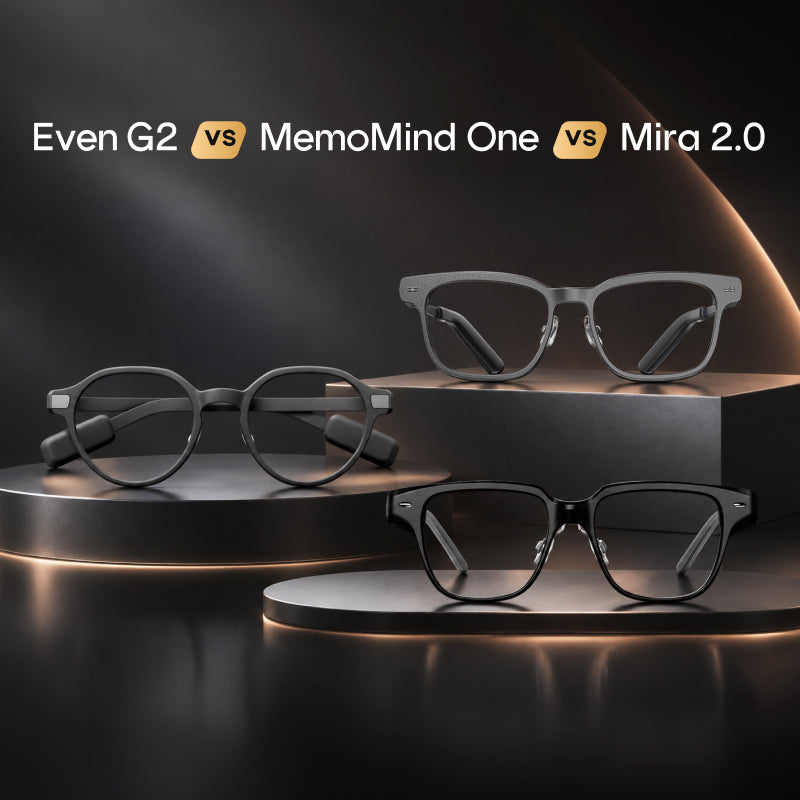
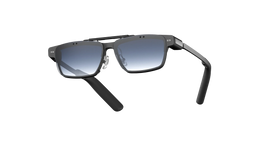
If you're considering smart glasses, the MemoMind One product page includes both a virtual try-on and a 3D view.
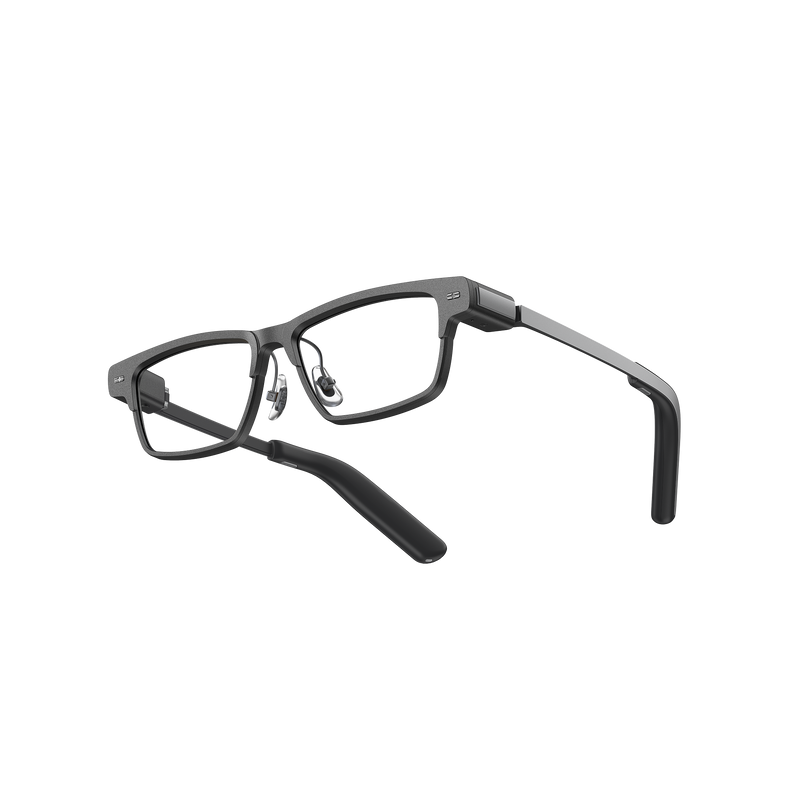
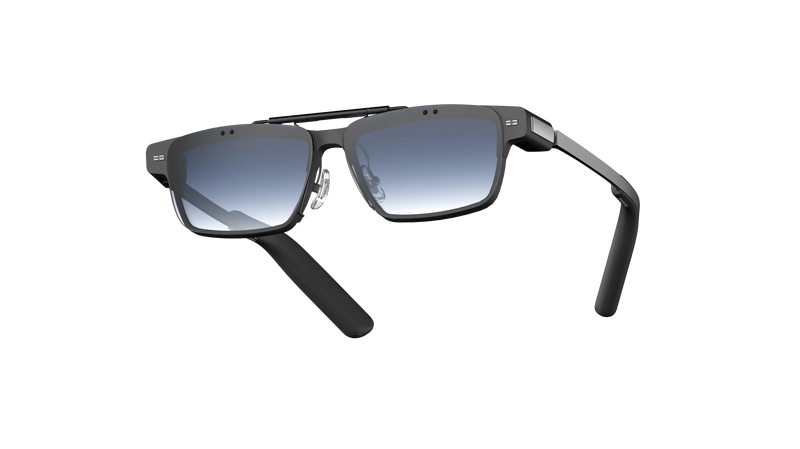
The two features let you look at the frames in different ways. Virtual try-on places the selected frame on your face, giving you a better idea of its overall appearance. The 3D view lets you rotate the product and inspect its design from different angles.
You can use both before making a decision: see how a frame looks on you, then take a closer look at its shape and details.
MemoMind One comes in three frame styles: Nomad, Gotham, and Archive, each with its own frame dimensions.