AI Smart Glasses Privacy: How MemoMind One Protects Your Data
Last updated: August 19, 2026
Privacy-First Advantage: MemoMind prioritizes data sovereignty to build long-term, ethical user trust.
AI smart glasses promise better memory, real-time assistance, and hands-free access to information. They also raise privacy questions.
"Is there a camera? Can other people be recorded? Is my data stored somewhere? Can I decide what gets remembered? Can I delete it later? "
That's what this article answers — how privacy works in MemoMind One and how different privacy controls work together to give users more control over what gets captured, stored, and remembered.
Two Kinds of Privacy, Two Different Solutions
Privacy concerns around AI smart glasses usually fall into two categories.
Bystander privacy: Can the device record the people around me?
Personal privacy: Who controls the information I choose to remember?
These concerns are often discussed together, but they require different solutions.
MemoMind addresses them separately through camera-free hardware, selective memory capture, customizable recording controls, and user-managed data settings.
Bystander Privacy: What Happens Around You
No Camera
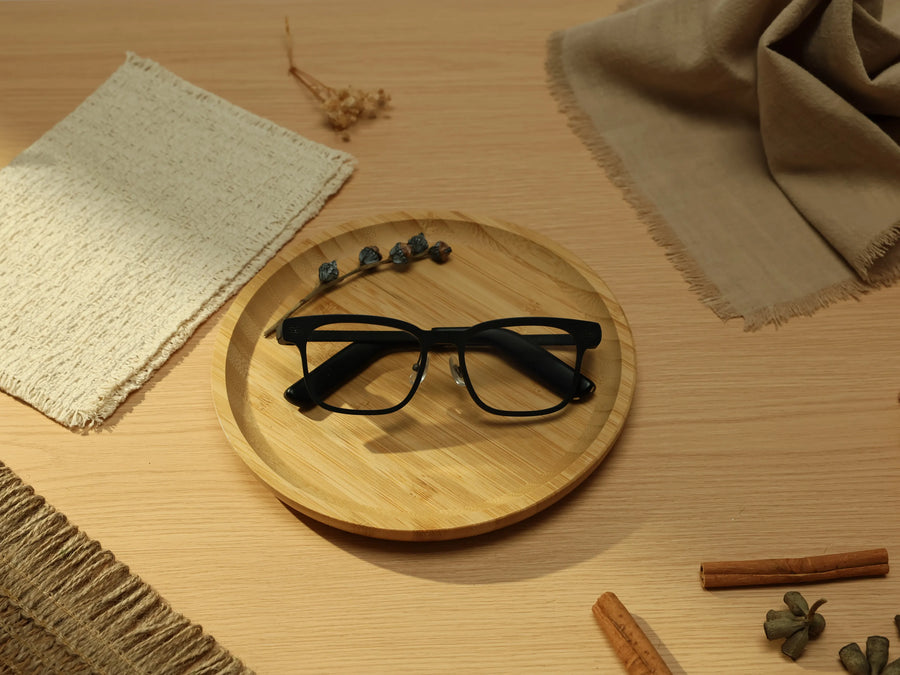
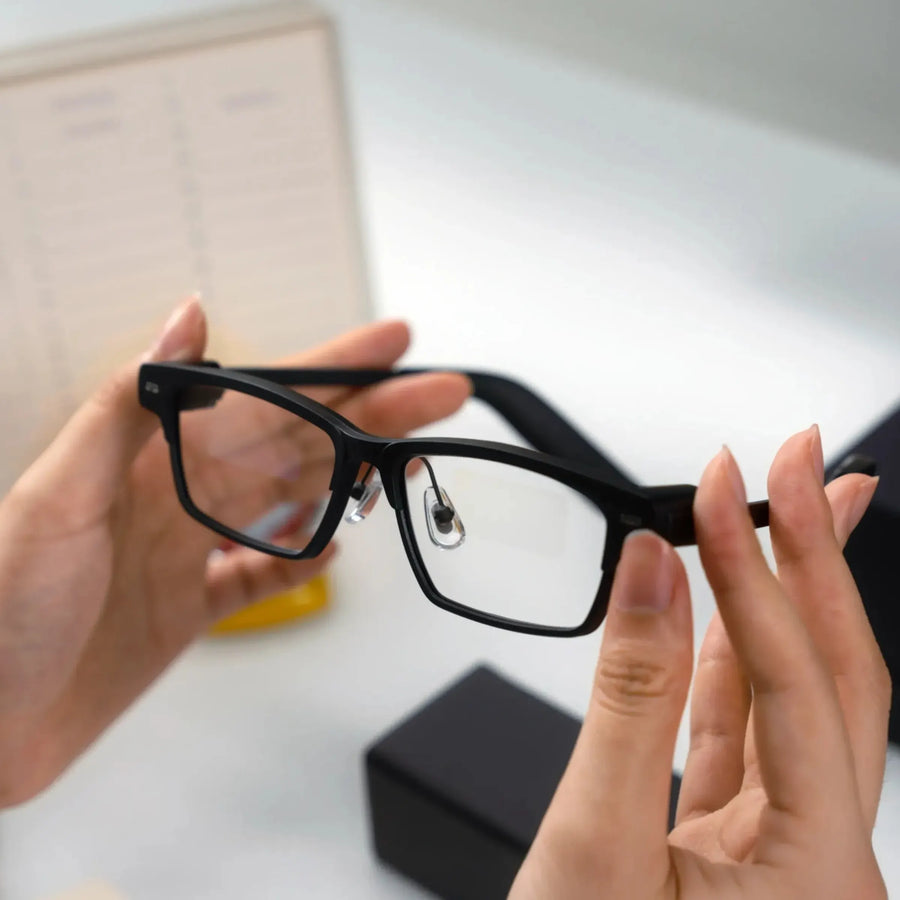
MemoMind One doesn't include a built-in camera. That doesn't automatically solve every privacy concern, but it removes one of the biggest questions people have when they see smart glasses in public:
"Am I being photographed right now?"
With MemoMind One, the answer is always no.
A Visible Recording Indicator
Whenever Memo is actively capturing audio, the recording indicator remains visible.
That means both the wearer and the people nearby can immediately see when memory capture is happening.
Instead of relying on hidden processes, MemoMind makes recording status visible at all times.
Voice Print ID
Real conversations rarely happen in quiet, isolated environments.
People work in open offices, talk in cafés, ride public transportation, and participate in meetings with multiple speakers. Voice Print ID helps MemoMind focus on the wearer's voice instead of treating every nearby conversation as personal memory.
This helps reduce the likelihood that someone else's conversation becomes part of your memory archive.
Personal Privacy: What Happens to What You Choose to Remember
Sensitive Content Filtering
Not every conversation deserves a permanent place in your memory archive. MemoMind gives users two ways to control what gets saved.
By category — exclude health, financial, family, personal, or work conversations from memory entirely; anything MemoMind's AI classifies into an excluded category doesn't get saved.
By time — set recurring windows, like evenings or weekends, when nothing is captured at all. Category filtering depends on AI classification, which isn't perfect, which is why deletion matters as a backstop, not an afterthought.
24/7 Recording Control and No Record Hours
Privacy isn't only about what gets remembered. It's also about when memory capture happens.
MemoMind allows users to:
-
Turn continuous memory capture off manually
-
Pause recording whenever they choose
-
Create recurring schedules
-
Automatically disable recording during specific periods
The goal is simple: privacy settings should adapt to your routine instead of forcing you to constantly manage them.
Where Your Data Lives
Recording controls answer what gets captured. This answers what happens to it afterward.
Data is stored regionally through Azure and Alibaba Cloud depending on your market, rather than in one central location — encrypted with AES-256 at rest and TLS 1.3 in transit. On the glasses, wake-word detection happens on-device, so only what's needed gets sent to the cloud in the first place.
You can delete individual recordings, your full audio history, or your account at any time — deletion removes it from MemoMind's systems, not just from view. MemoMind does not sell user data.
Using MemoMind One at Work
The same controls above double as workplace boundaries: turn on Voice Print ID so colleagues' conversations don't get captured, exclude "work" as a filtered category if you don't want meetings retained by default, and make sure coworkers know what the indicator light means — most people haven't seen one before. Every workplace sets its own expectations; the tools here just make it possible to match them.
FAQs
Is MemoMind One safe for work environments?
This depends on the device and the privacy controls available. When you‘re wearing MemoMind One, features such as Voice Print ID, content filtering, and recording schedules can help users maintain clearer boundaries in professional settings.
Can I schedule when MemoMind One glasses stop recording?
Yes. MemoMind's No Record Hours feature allows users to create recurring schedules that automatically disable memory capture during selected times and days.
Can MemoMind One filter sensitive information?
Yes. MemoMind's Sensitive Content Filtering supports different types of information.
Related Blogs
More MemoMind stories from the same category.