AI Smart Glasses Without Camera: Do You Actually Need One?
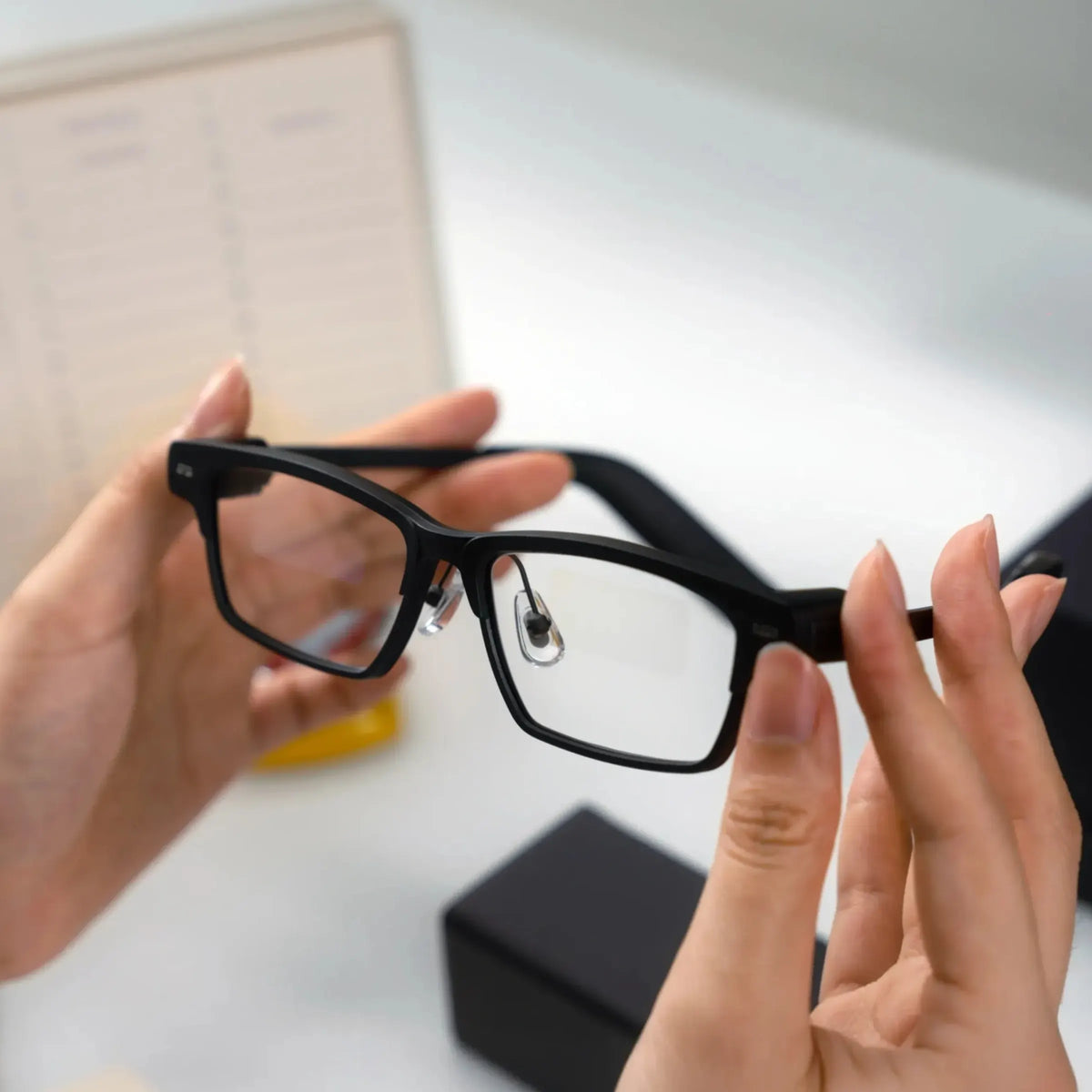
Smart glasses don't all need a camera to be useful.
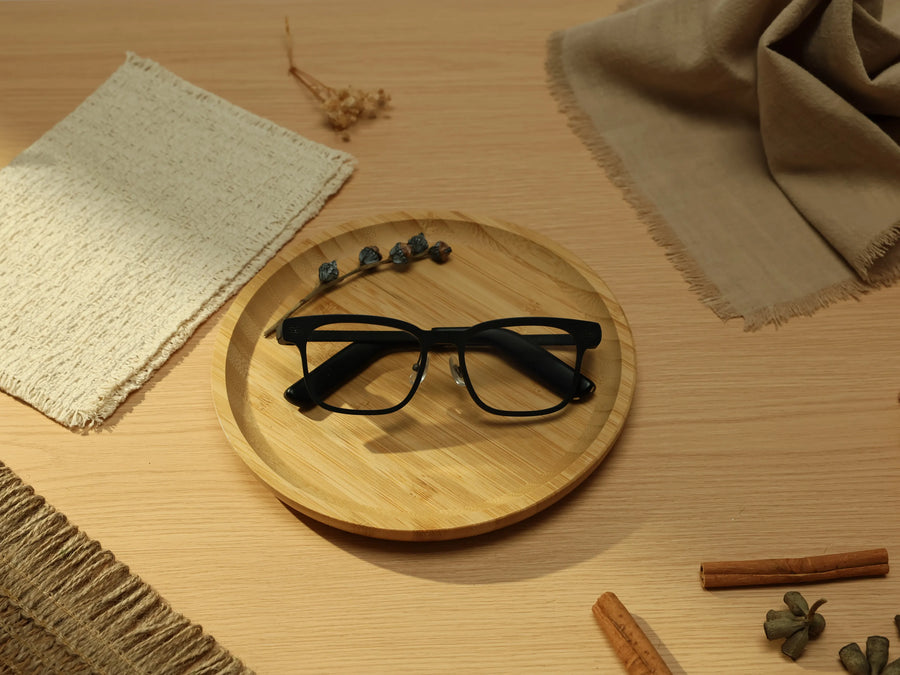
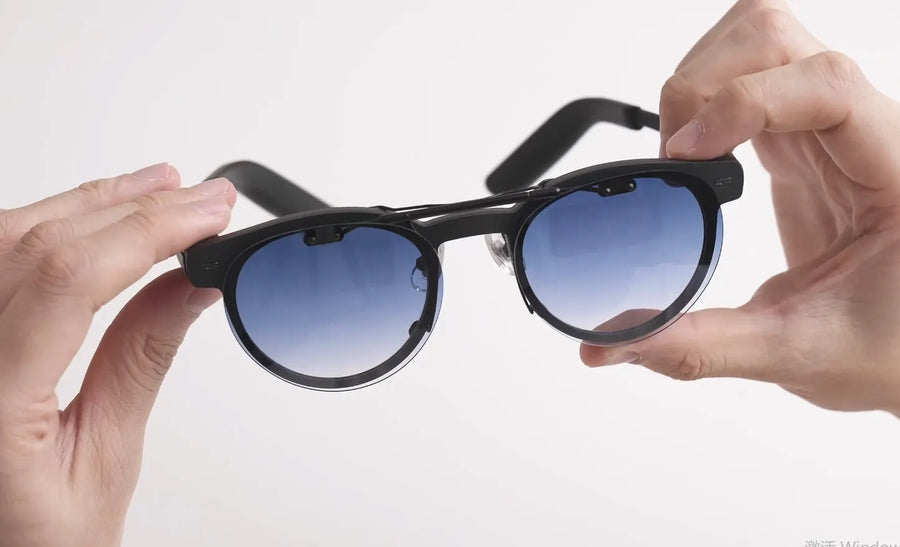
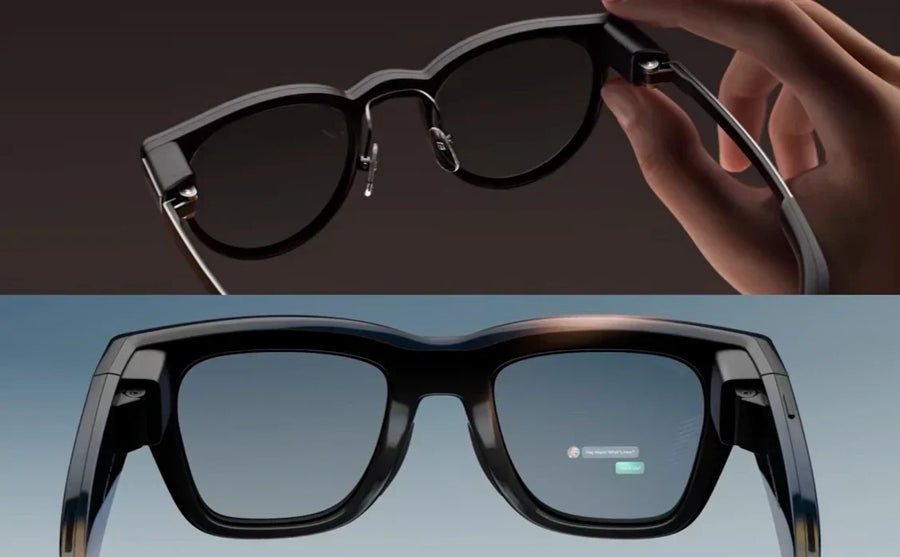
Some current models, including Even G2, Halliday G2, RayNeo iO, and MemoMind One, are built without an outward-facing camera. They can still use microphones, displays, speakers, Bluetooth, and AI to handle things like voice assistance, translation, meeting notes, navigation, and notifications.
So what do you give up with smart glasses without a camera, and when is that tradeoff worth making?
What Does Camera-Free Actually Mean
The simplest way to think about it is: In general, camera-free AI glasses can hear you and show you information, but they don't have a camera to capture what's in front of you.
The rest of the hardware can look much like any other smart glasses may have:
- Microphones for voice commands, calls, transcription, and spoken-language processing
-
A waveguide display for text, notifications, and other information in your field of view
-
Open-ear speakers for calls, music, navigation, and AI responses
-
Bluetooth to connect with your phone
-
AI software for features such as meeting notes, summaries, translation, and voice assistance
MemoMind One, for example, uses three microphones and a dual Micro-LED display but has no camera. Its AI features include translation, memory, notifications, and meeting-related tools.
Halliday G2 takes a similar approach, combining a binocular waveguide display, four-mic array, open-ear speakers, AI, live translation, calls, and meeting features without a built-in camera.
What You Give Up Without a Camera
The biggest limitations are all related to visual input.
Reading Physical Text
Camera-equipped smart glasses can, when their software supports visual AI, use the camera to capture a menu, street sign, product label, or document and have AI interpret it.
Camera-free glasses can't do that. They may translate a spoken conversation or display translated text, but they can't look at a physical surface and read it for you.
Visual Recognition
Features such as object recognition, scene description, and visual question answering generally require visual input from a camera.
If you ask a camera-equipped pair, "What's that building?" or "What am I looking at?", the camera can provide the visual information needed to answer. A camera-free pair doesn't have that input.
First-Person Photos and Video
There is also no way to capture photos or video directly from the smart glasses without a camera.
If you want hands-free POV footage, you'll still need a phone, action camera, or another device with a camera.
These limitations are important if visual AI or hands-free recording is one of the main reasons you're buying smart glasses.
What You Still Get Without One
Removing the camera doesn't remove AI from the glasses. A camera-free pair can still handle many everyday tasks that depend on audio, text, or information from your phone.
AI Assistance
Voice-based AI doesn't require a camera.
You can ask questions, get explanations, look up information, or interact with an AI assistant through the microphones and speakers. Even G2, for example, provides voice-based AI features despite having no camera.
Meeting Notes and Transcription
Meetings are another area where a camera isn't essential. Camera-free but microphone glasses can capture spoken audio, turn it into text, and use AI to organize or summarize the conversation.
Translation
Camera-free glasses can still translate spoken conversations. These systems can work from audio rather than needing a camera to read visual text.
Navigation and Notifications
Navigation doesn't inherently require a camera. A connected phone can provide location and route information, while compatible glasses can present directions through audio, a display, or both. The same applies to notifications, reminders, schedules, and other information pulled from a connected phone.
Calls and Audio
For glasses with built-in speakers, the camera has nothing to do with making calls or listening to audio. Camera-free designs can still support phone calls, music, podcasts, and spoken AI responses.
Why Leave the Camera Out
The final decision affects more than the feature list.
Fewer Camera-Related Restrictions
Some schools, workplaces, healthcare facilities, courts, and other privacy-sensitive environments restrict cameras or recording devices. The exact rules vary by location and organization, so camera-free glasses don't automatically become acceptable everywhere.
They do remove one obvious source of concern: the glasses cannot take photos or video of the people or environment in front of you.
Less Social Friction
A visible camera can make people wonder whether they're being recorded, even when you're not recording.
That's particularly relevant when you're wearing smart glasses during meetings, classes, conversations, or other situations where other people are nearby. It's also a privacy consideration for the people around you, not just the person wearing the glasses.
More Room for Other Design Choices
Removing a camera doesn't automatically make smart glasses lighter. Weight depends on the whole design — display, battery, speakers, frame materials, and other components all matter.
The camera and its supporting hardware are simply components the manufacturer doesn't have to fit into the frame. That frees up space for things people actually use all day — speakers, displays, batteries, or other hardware, depending on the product. It's why many smart glasses without a camera spend their hardware budget on audio, display, and other non-camera features rather than visual AI.
So Who Is Camera-Free Actually For
The strongest reason to choose camera-free glasses isn't a particular job title. It's a particular kind of use.
You want AI assistance, not visual capture. Your main priorities are notes, captions, translation, reminders, notifications, audio, or talking to an AI assistant. You don't expect your glasses to look at things for you.
You spend a lot of time in places where cameras can be awkward. You may work or study in environments with recording restrictions, or simply prefer not to wear a camera around colleagues, classmates, clients, or strangers.
You prefer not to wear glasses with a visible camera. This is especially relevant if the glasses are part of your everyday routine rather than something you put on for a specific task.
On the other hand, if visual translation, POV recording, object recognition, or scene description is one of the main reasons you're buying smart glasses, a camera is probably not optional. Those features need one.
How to Choose Between Camera & No-camera
Think about the features you expect to use most.
If your list starts with “look at this”, you probably need a camera.
If it starts with “listen to this,” “remember this,” “translate this,” or “show me this,” camera-free glasses may be enough.
The difference isn't about whether one type is more advanced. It's about whether your smart glasses need to see the world or mainly help you interact with it.
FAQs
Are camera-free smart glasses better for privacy?
They can reduce privacy concerns around visual recording because there is no outward-facing camera. However, camera-free does not mean the glasses never capture or process audio. Microphones may still be used for calls, voice commands, transcription, or other features.
What can camera-free smart glasses do without seeing the world?
They can still handle tasks based on audio, text, or information from a connected phone, including AI assistance, meeting notes, translation, navigation, notifications, and calls. What they cannot do is interpret visual information directly from the environment.
Do camera-free smart glasses work for navigation?
Yes. Navigation does not require a camera. A connected phone can provide location and route information, while the glasses can present directions through audio, a display, or both, depending on the model.
Should I get smart glasses with or without a camera?
It depends on the features you expect to use. If you want visual translation, object recognition, scene description, or first-person video, you need a camera. If your priorities are AI assistance, meeting notes, translation, navigation, notifications, and audio, a camera-free pair may cover what you need.
Related Blogs
More MemoMind stories from the same category.