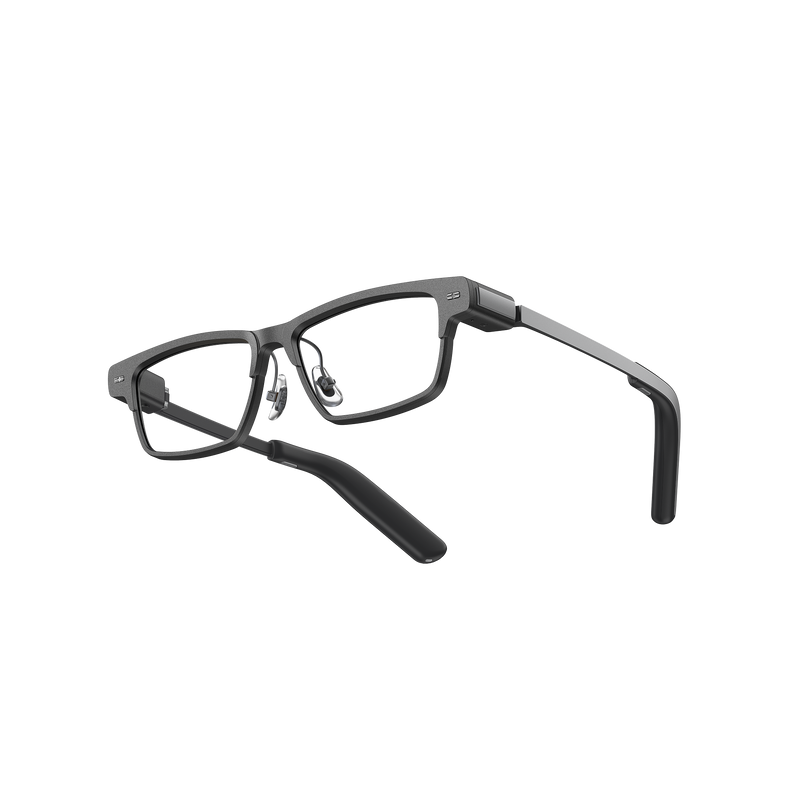
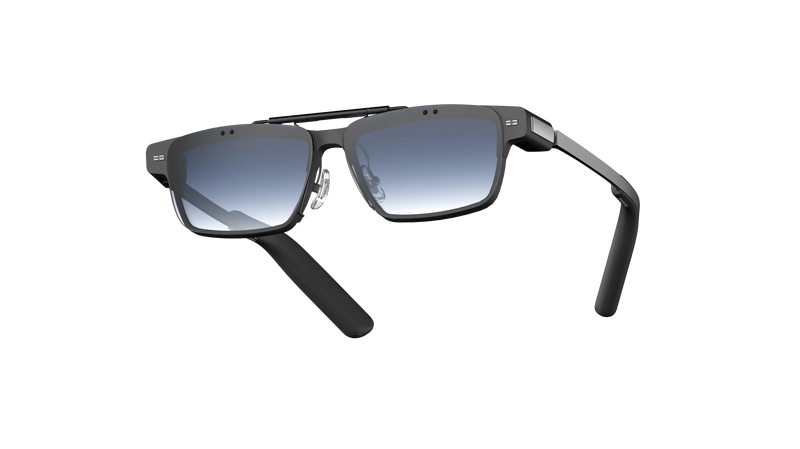
Memo+ Turns MemoMind One Into AI Memory Glasses
People forget useful details constantly: a follow-up from a quick conversation, a preference someone mentioned, a meeting decision, a place you wanted to try, or an idea that showed up at the wrong time.
That is not a personal failure. It is how memory works. The brain is good at filtering, deciding, and moving forward. It is not built to file every useful sentence from a normal Tuesday.
A voice recorder can save audio. A note app can store what you remember to type. But most real-life context does not arrive when you are ready to document it. This is where AI memory glasses become different.
Which means, Memo+ is built around what happens after the moment passes. It is the paid memory service for MemoMind One. It unlocks Memory, the long-term personal context layer behind Moments, Ask Your Memory, Up Next, and Automatic Meeting Notes.
These memory services help MemoMind One remember useful context from your day, so you can revisit it, search for it, and act on it later. Which means MemoMind One is already with you when useful context appears.
What Memo+ Includes And How It Works
Memo+ adds Memory-related capabilities to MemoMind One. The free experience already includes core AI features such as Memo AI, AI Translator, AI Recorder, AI Captions, AI Teleprompter, Maps, Calendar, and Idea Notes. Memo+ extends this experience with personal context and memory tools, including Moments, Ask Your Memory, and other Memory-related features.
Together, these tools help organize useful context, revisit past information, and turn relevant details into follow-up actions.
Memo+ adds the advanced memory features. These features are connected. A meeting can create action items. A Moment can become searchable. A casual wish can become an Up Next reminder. A personal preference can help future answers feel more relevant.
Moments: Your Life, Organized Into Personal Recaps
Most people intend to journal. Few actually do.
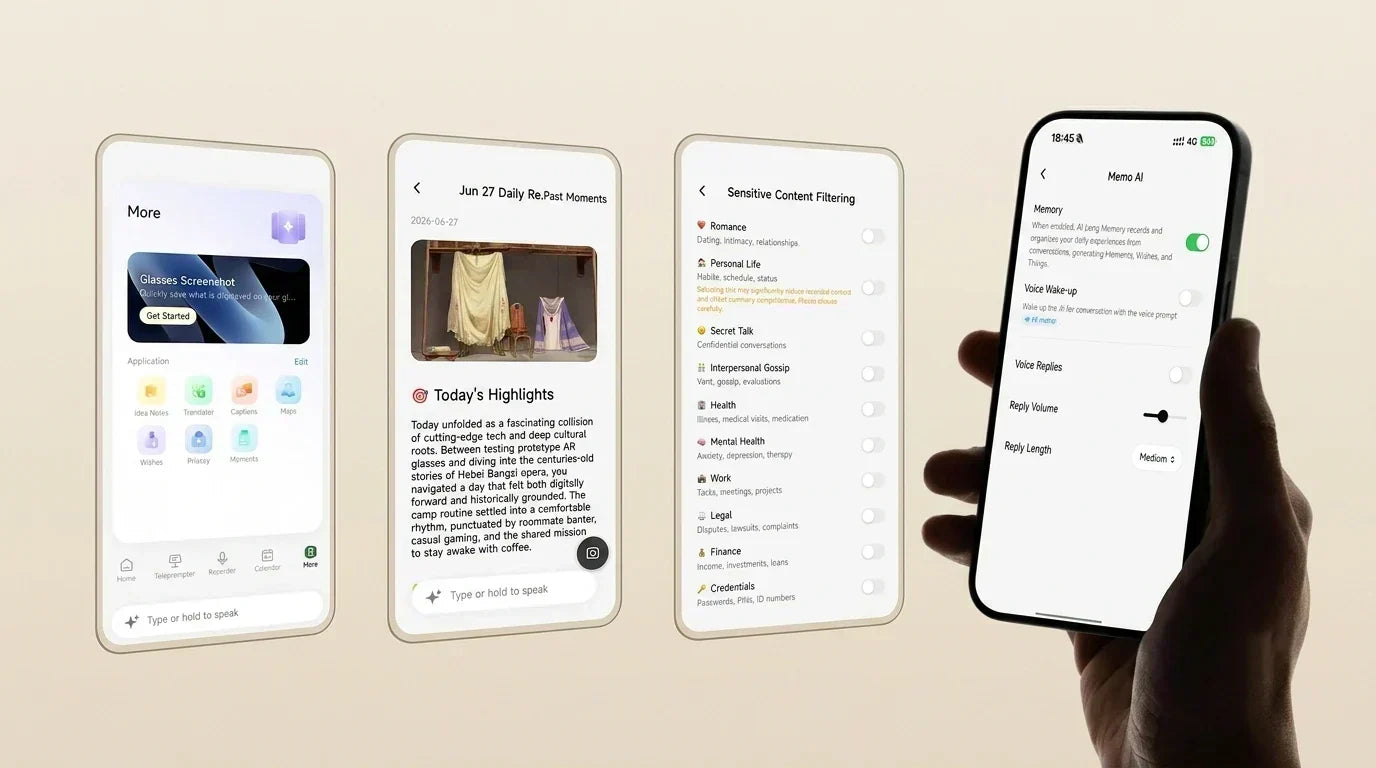
Moments removes some of that effort. It helps Memo+ turn useful context from your day into personal recaps, including what happened, what mattered, who you spoke with, and what may be worth revisiting.
Moments can support daily, weekly, monthly, and yearly recaps.
This is what our beta tester meant: "For me, the real value isn't just the technology itself. It's the independence it provides. The ability to preserve information as it happens and access it later reduces cognitive load and gives me greater confidence that important details won't be lost."
Within Moments, "Echo" works as the Personal Context layer. It can surface preferences, goals, and personal constraints, such as food restrictions or recurring priorities. "Encounters" adds call memory support, helping extract call follow-ups and bring them back when relevant.

Ask Your Memory: Search Your Own Past
Ask Your Memory is the clearest public name for Memo+ memory search.
Instead of opening a blank AI chatbot, you can ask questions grounded in your own remembered context:
“What did Josh ask me to do about the new product last week?”
“What did we decide in the customer meeting?”
“What restaurant did I say I wanted to try?”
This is where Memo AI memory becomes different from ordinary AI chat. The value is not just generating an answer. It is helping you find the answer from your own conversations, moments, meetings, and saved context.
Up Next: From “I Should” to “I Did”
There are two kinds of things people forget to do.
The first is confirmed commitments — the email you said you'd send, the appointment you booked out loud. Things (one of the subfeatures of Up Next) pulls those out of your conversations and brings them together with your calendar into a single view on your MemoMind One display glasses. No more "I thought I put that somewhere." The important rule is: Memo suggests; you confirm.
The second kind is softer — the plans you drop in passing without quite meaning to let them go. "I'd love to go diving someday." "We should actually do that." Wishes (the other of the subfeatures of Up Next) catch those before they evaporate, turn them into real items on a real list, and keep them visible enough that someday stops being a euphemism for never. Some things are formal commitments. Others have softer intentions.

Automatic Meeting Notes: More Effective
Unlike the free "AI Recorder" feature included with Memomind One, this feature does not require extensive advance setup.
After the user enables automatic meeting extraction, Memo can recognize that the user is in a meeting or work discussion and generate an AI summary plus source text. The output can include topics, key points, decisions, and action items.
That makes Meetings part of the same Memory system. Meeting summaries can be searched later through Ask Your Memory, and action items can connect to Up Next.
Where Is MemoMind Memory Data Saved
A personal memory system only works if users stay in control.
With Memo+, users can enable or pause Memory, set capture windows, exclude sensitive categories, delete Moments, clear memory history, and manage what remains in long-term memory. Raw audio and transcripts will be treated as temporary processing data once memories are created, not as the permanent memory product.
Memory-related information and raw recording data may follow different processing and retention rules. For details about where each type of data is stored, how long it is retained, and how deletion requests are handled, refer to the MemoMind Privacy Policy.
MemoMind One also uses visible indicators when audio capture is active, giving people nearby a signal that recording is happening.

Is Memo+ Right for You and How to Subscribe
Memo+ is for people who want their AI glasses to do more than answer questions or record clips.
It is for remembering context, finding past details, reviewing meaningful moments, turning conversations into follow-ups, and keeping useful information close without manually organizing everything.
Kickstarter backers who paid a deposit receive a one-year subscription to Memo AI+ free of charge; other Kickstarter backers receive a six-month subscription.
After that, the subscription costs $19.99 per month or $199 per year—payable via the subscription feature within the MemoMind app.
FAQs
What is Memo+ for MemoMind One?
Memo+ is the paid memory service for MemoMind One. It unlocks Memory, the long-term personal context layer behind Moments, Ask Your Memory, Up Next, and Automatic Meeting Notes.
What happens if I cancel Memo+?
You keep the free MemoMind One features, but you lose access to the long-term Memory features. Generated memories remain available unless the user deletes them or closes the account.
Is Memory the same as recording everything?
No. Memory is a personal context layer, not a raw audio archive. It is designed to help MemoMind One turn useful context into something searchable and actionable later.
Can I delete the data stored on MemoMind's cloud?
Yes. In line with international standards, you have full control over your data: the right to be forgotten lets you request permanent deletion of your personal data and account at any time, and our privacy notice is transparent about exactly what data is collected and how it's used.