



New Ways to Use AI Glasses
Making Navigation and Information Easier to Access
When you're walking through an unfamiliar neighborhood, checking directions often means stopping to take out your phone. For sports fans, keeping up with a game can mean repeatedly checking scores and notifications.
Developer @weazel shared a concept that brings an entire itinerary into a single HUD interface, combining a mini-map with a schedule so users can see where they need to go and what comes next. The concept also includes a to-do list option and expanded map navigation for highlighted locations, offering more detail when a particular stop needs attention.
Rather than displaying directions alone, this approach brings several parts of a trip together: location, schedule, and tasks.
Another interesting project is a Fantasy Football dashboard built by developer @edj_45 and a collaborator. It provides quick sports updates for NFL and MLB, with a 15-second update format and button controls that let users switch between their fantasy leagues and check their progress.
The ideas are simple, but that's part of their appeal. A useful reminder or a quick direction just comes from your everyday-wear glasses.

Turning Smart Glasses into a Personal Fitness Companion
Fitness is another area where developers are experimenting with the hardware already available in MemoMind One.
Developer @zoneto open-sourced the Workout Glasses App, a workout tracker that uses the glasses' gyroscope to count repetitions and display animated feedback on the HUD, with a companion phone app for tracking workout progress.
The app currently explores three exercises that can be tracked through head movement: sit-ups, toe-and-sky touches, and jumping jacks.
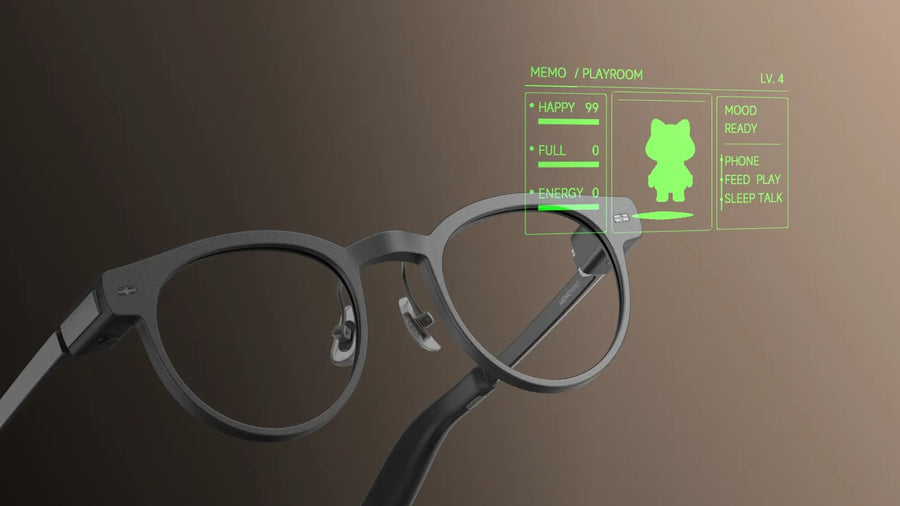
The experience also includes seven animated characters, each with its own style of feedback. Some react to the repetition count, while others add playful elements such as an evolving character, an aura score, or humorous reactions. Sound effects play through the companion phone, and the phone app records workout history, personal records, a 14-day chart, and an overall workout streak.

Bringing Your Existing Digital Life Into Your Glasses
Smart glasses become more interesting when they can work alongside the devices and services people already use.
Developer @banjomando explored this idea with a Home Assistant integration. The project displays a smart-home overview on the glasses, including information such as device power consumption and temperature. It also introduces a quick-actions page for toggling connected devices.
Instead of opening a dedicated app on a phone to check what's happening at home, users can explore a more glanceable interface through their glasses.
 Some are also connecting MemoMind to their AI workflows.
Developer @imeliodas shared an experiment connecting the glasses to AI coding tools such as Claude Code, Codex, and Hermes. The idea is to receive approval requests or questions from an AI workflow and respond through the glasses.
Another developer, @maf.rahman, described connecting a custom decision layer that displays available choices on the HUD when an AI system needs input.
For people who regularly work with AI agents, this opens up staying informed about an ongoing workflow and responding to simple requests without constantly switching back to a computer.
What Smart Glasses Developer Projects Reveal
Looking across these projects, one thing stands out: developers are approaching MemoMind One from very different perspectives.
Some want to make everyday tasks more convenient. Others want to connect the glasses to their existing digital tools. And some are experimenting with entirely new ways of interacting with a display, sensors, and external devices.
Together, these projects offer a glimpse of how useful smart glasses could become.
-
More useful moments, fewer unnecessary interruptions: show people the information they need at the moment it matters.
-
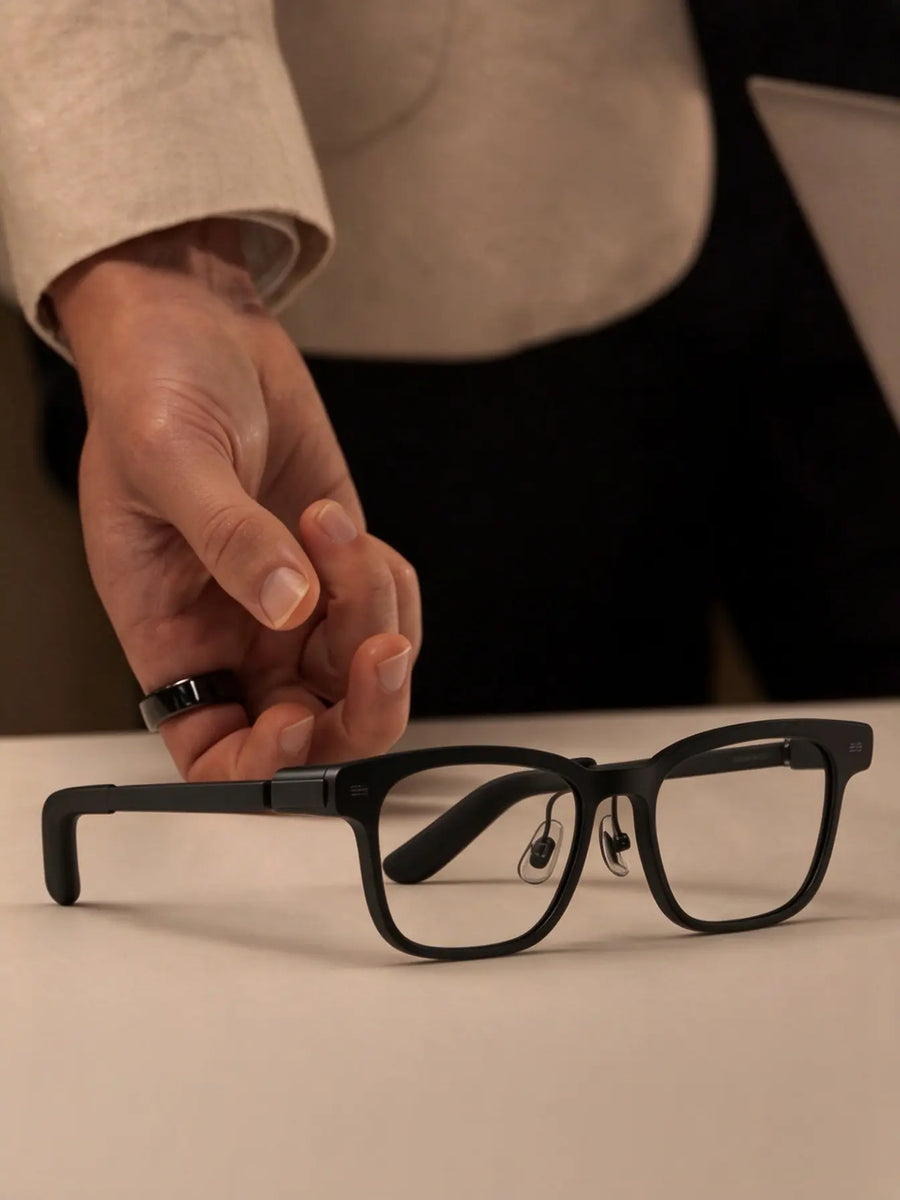
Interactions that fit the way people wear glasses. Head movements, voice input, physical buttons, and accessories such as the KiWear Ring offer different ways to interact.
-
An open developer ecosystem.
Join the MemoMind Developer Program
We're continuing to expand the MemoMind developer ecosystem, and the third developer whitelist batch is now open.
If you have an idea for a useful tool, an interesting interface, or a new experience for smart glasses, we'd love to hear about it. You don't need to have a finished plugin to start exploring. The MemoMind developer documentation and web simulator offer a way to experiment with the SDK and work on an initial design before moving on to development with the glasses.
Developers interested in taking your ideas further can apply to join the Developer Discount Program, which offers a $100 discount on MemoMind One to support your development work.
Whether you're starting with an early concept or already have a project in progress, we'd love to see what you come up with.