



Editor’s Note: This story is based on an interview with Jasmine, who has permitted us to share her experience and direct statements.
Most stories about smart glasses assume a particular kind of day: getting to work, sitting in a meeting, giving a presentation, or navigating an unfamiliar place.
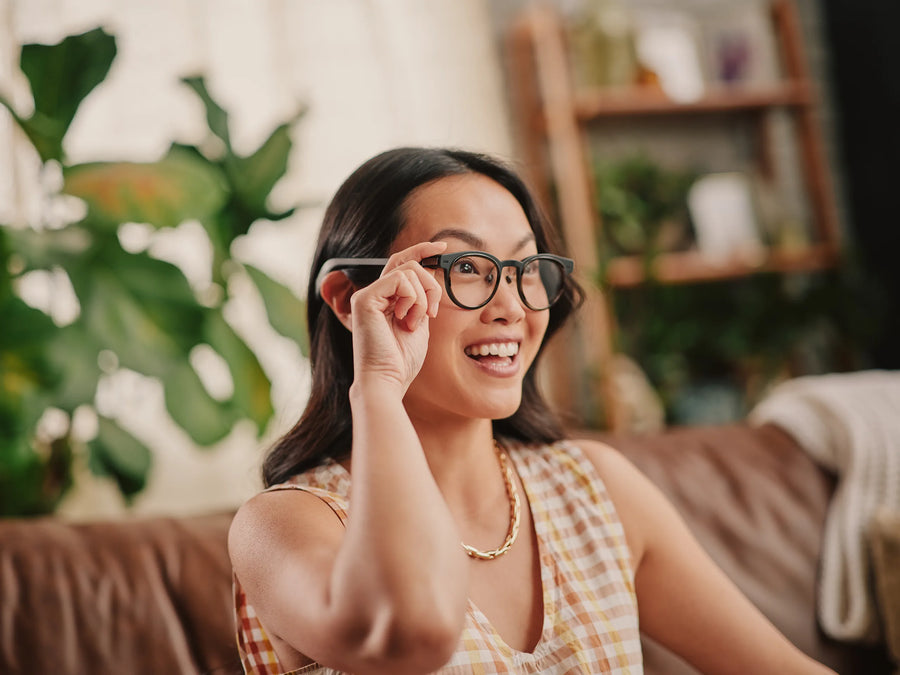
Jasmine's day looks different: she's a homemaker who puts on her smart glasses around 7 a.m. and often doesn't take them off until she goes to bed.
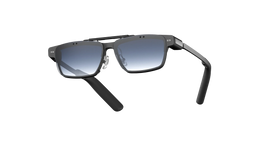
Jasmine has used two smart glasses so far: Even G2 and, more recently, Halliday. And her experience with two other products offers a useful look at what smart glasses for everyday use actually need to get right.
A Notification Habit, Not a Lifestyle Change
The one feature Jasmine kept coming back to across months of daily wear was the simplest one: notifications. "I don't have to pick up my phone — I can just see who is calling or whether a message is worth checking. Then I can tell if it's important."
When you're managing a household, your attention can be pulled in several directions at once. Your phone might be in another room. A message might not be important enough to stop what you're doing. And if you already know that picking up your phone can easily lead to checking something else, even a simple notification can become a larger interruption than it needs to be.
That says something about the appeal of smart glasses for everyday use. The value isn't always in doing something a phone can't do. Sometimes it's in not having to pick up the phone for something that doesn't deserve your full attention.
The Comfort Test of Everyday Use
A lot of what AI glasses get evaluated on — how they look in a five-minute try-on, how a demo feels — has little to do with what happens after hours. That gap showed up clearly in Jasmine's experience.
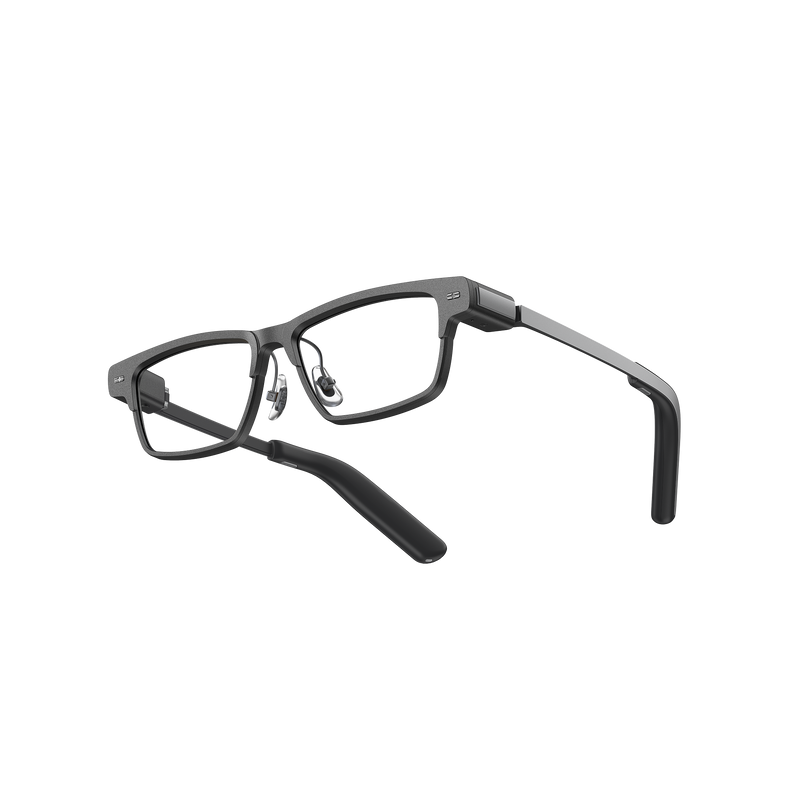
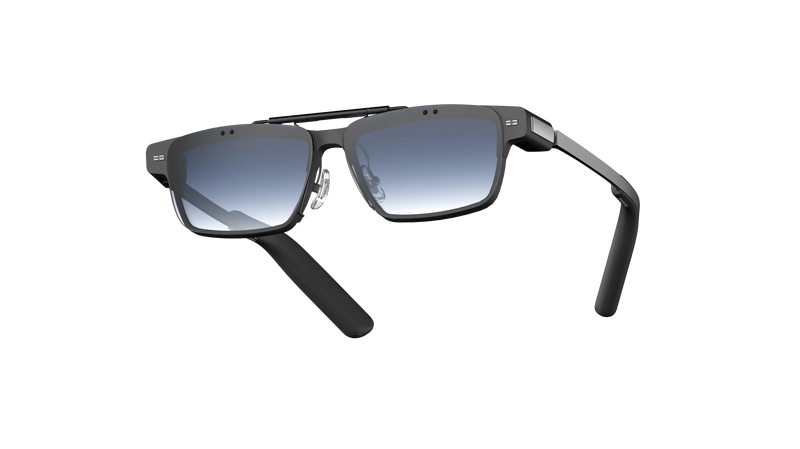
She found that the Even G2's temple arms could become uncomfortable after wearing them for a while, especially around her ears. Adding earphones made the discomfort more noticeable, and she would sometimes need to take the glasses off for a break.
Halliday's rounder frame addressed that specific issue, but its larger shape made her more conscious of how noticeable the glasses looked when she went outside. Interestingly, the Even G2 was less noticeable to other people than she expected. So far, only her husband and brother had noticed them, and even at an optical shop, no one seemed to realize she was wearing smart glasses.
Jasmine also pointed out another small but practical issue: when sensors or touch controls are positioned around the ears, they can be inconvenient for people with longer hair and may be easier to trigger accidentally.
For Jasmine, comfort and appearance are closely connected. She says she would never consider smart glasses with a camera, partly because she doesn't know when recording might be happening. At the same time, she wants smart glasses to be comfortable enough for long-term wear and natural enough that they don't constantly remind her — or everyone around her — that she's wearing a piece of technology.
So comfort isn't just about weight. It's about whether the glasses eventually become something you and other people notice.
Connection Reliability Matters in Everyday Use
Connection told a similar story.
"If I leave my phone in the bedroom and just step into the bathroom, it cuts out," she says of G2. "Such a short distance, and it's already gone." The companion ring presented a similar problem, dropping its connection when she tucked her hand under her leg.
None of this shows up in a quick in-store trial. It only surfaces once a product has to survive an ordinary day.
And from her perspective, that's exactly the kind of situation a wearable should be able to handle. If she has to stop and reconnect, or turn around after walking a few meters just to retrieve her phone, the technology itself becomes another source of friction.
Navigation Built for Someone Else's Commute
During the interview. Jasmine mentioned that the G2's maps only cover walking directions."I've tried it a few times going out, and it just doesn't work. I end up having to take my phone out anyway," she says.
What she actually wants is closer to a full transit app — something that tells her which bus or train to take, the way Amap does in China, not just which direction to walk.
It's a reasonable request, and it points to a broader gap between what a feature can technically do and what people actually need from it in daily life. A navigation feature may work exactly as designed and still be of limited use if it doesn't fit the way someone normally gets around.
For smart glasses makers, those details matter because everyday users don't experience features in isolation. They experience them as part of an entire trip.
What She Really Wants Is Help With Memory
Jasmine has never been formally evaluated for ADHD, but suspects she may have it. "I haven't been diagnosed," she says. "I've just watched a lot of videos about it, and when they describe the symptoms, I think — that's really me."
And that's also where she feels Even G2's approach falls short. A to-do list can show her what she has already entered, but it still depends on her remembering to create the item in the first place. What she wants is something that can fit more naturally into everyday life — something that can help capture a plan when she mentions it and surface it again later.
"Sometimes I make plans with someone and then forget about it myself," she says. "A reminder like that would really help me."
This is also where her experience overlaps, in a different way, with another user story we've published about a student with formally diagnosed ADHD. In that case, memory and task management were also closely tied to the effort required to capture information before it was forgotten.
The two experiences are not the same, and neither suggests that smart glasses are an ADHD solution. But for people who value this kind of support, MemoMind's approach to memory and personal context is one possible direction.
USER STORY SERIES
None of this is really about G2 or Halliday specifically. It's about what full-day wear reveals about everyday smart glasses use. A feature can work perfectly in a demo and still fail to become part of someone's day, while a seemingly minor one can become essential simply because it removes a small interruption.
The MemoMind One that Jasmine ordered has not yet arrived, so whether it fits her needs remains an open question. Some of the needs she describes — including long-term comfort and connection reliability — are also things we considered when designing MemoMind One. And that’s exactly what MemoMind user stories like hers are for: understanding what people actually expect from smart glasses in everyday life.