



How to Tell If Smart Glasses Have a Camera
The first step is to determine whether the glasses actually have a camera.
Look for a Camera Lens
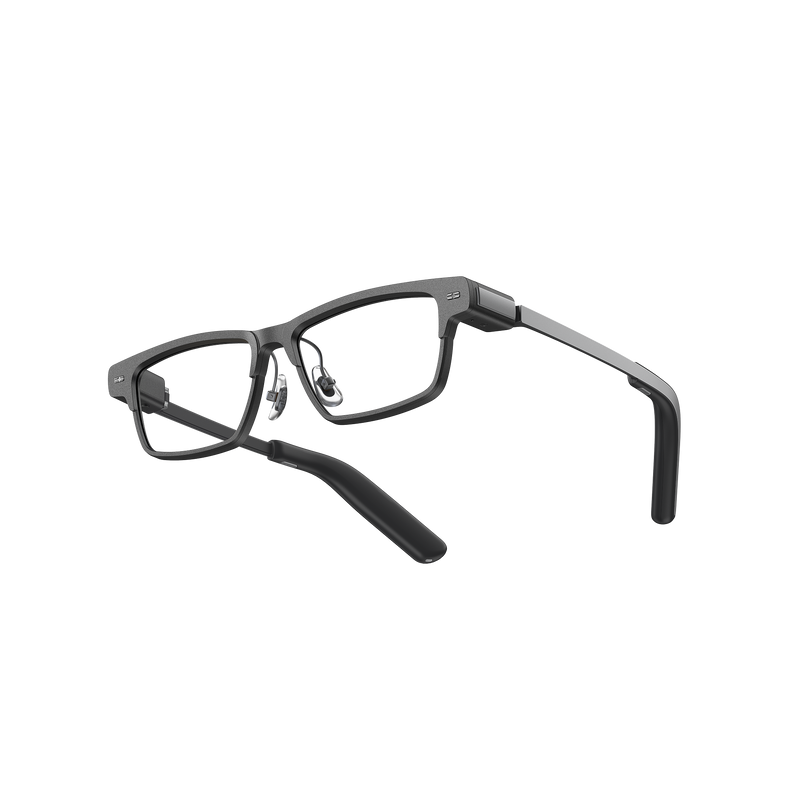
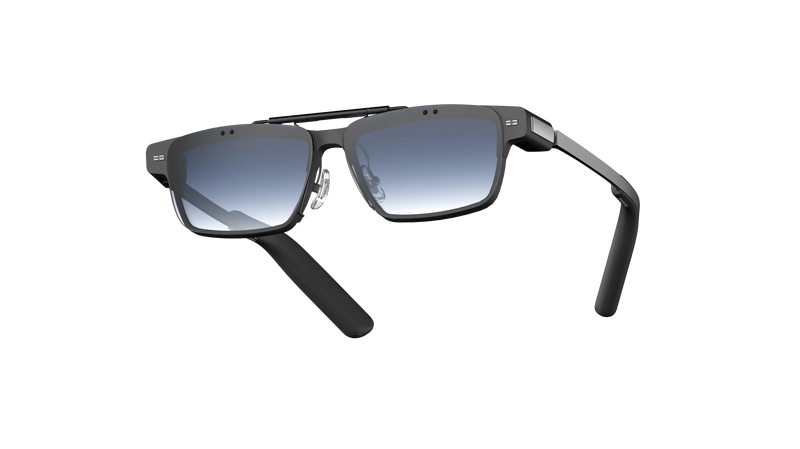
Start by examining the front of the frame, particularly around the upper corners and the bridge. Camera-equipped smart glasses typically have a small camera lens integrated into the front of the frame. It may look like a dark circular lens, often positioned near the outer corners of the frame.
However, not every small opening is a camera. Microphones, indicator lights, and other hardware components can also create small openings in the frame. A microphone, for example, may look like a tiny pinhole but is designed to capture sound rather than images.
Check the Product Specifications
The most reliable way to confirm whether a pair of smart glasses has a camera is to identify its brand and model and then check:
-
Camera resolution, such as 12MP or 1080p video.
-
Photo and video capture capabilities.
-
Recording controls and related privacy indicators.
If you're curious about what the other components do, see our guide to how AI glasses work.
How to Tell If Smart Glasses Are Recording
To understand smart glasses' current activity, look for recording indicators and other signals.
Look for an Outward-Facing Recording Indicator
Many camera-equipped smart glasses use an outward-facing LED to signal when a photo or video is being captured. Ray-Ban Meta is one example. Its Capture LED flashes when taking a photo and remains illuminated in a blinking pattern during video recording. Meta also states that the camera is disabled if the capture LED is obstructed.
Pay Attention to Other Recording Signals
An LED is not the only possible indication of camera activity. Some glasses play a sound when a photo is taken or when recording starts and stops. The wearer usually has to press a button, give a voice command or use an app to start.
Are Smart Glasses Always Recording
No. Having a built-in camera does not mean smart glasses continuously record video. Many models only capture photos or video when the wearer activates a recording function.
Camera-free smart glasses can still have microphones for voice commands, calls, translation, or audio recording. So the absence of a camera rules out visual capture through that device, but it doesn't necessarily mean audio cannot be captured.
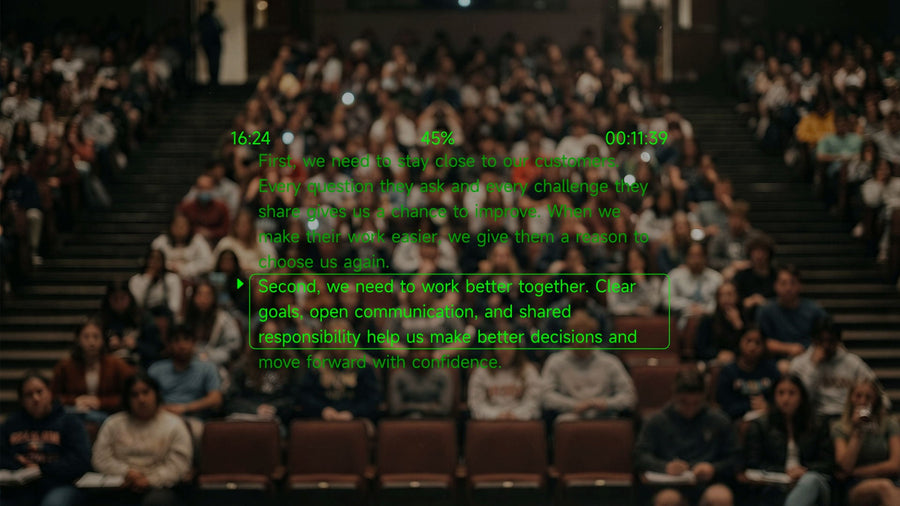
For example, MemoMind One has no outward-facing camera but includes three microphones for voice-based functions. Its camera-free design means it cannot capture photos or video of the surroundings, while its audio capabilities are a separate consideration.
Where Should Smart Glasses Be Used With Extra Care
Even when a device is not actively recording, wearing camera-equipped glasses in certain environments can make others uncomfortable. The concern is often not just whether recording is happening, but whether it could happen without people noticing.
Privacy expectations vary depending on the setting. A pair of camera-equipped glasses may attract little attention on a public street but raise more concerns in places where people expect greater privacy. Learn more about why smart glasses are banned in certain places and the privacy concerns behind these restrictions.